ClearPDF
A clean, fast PDF reader for Android — and now a document scanner too. Open any PDF, or scan paper with your camera and save it as a PDF to Google Drive, OneDrive, Dropbox or your device. 100% free, no ads, no subscription.
Release-signed APK ready to sideload. Enable “Install unknown apps” for your browser, then open the file.
Screenshots
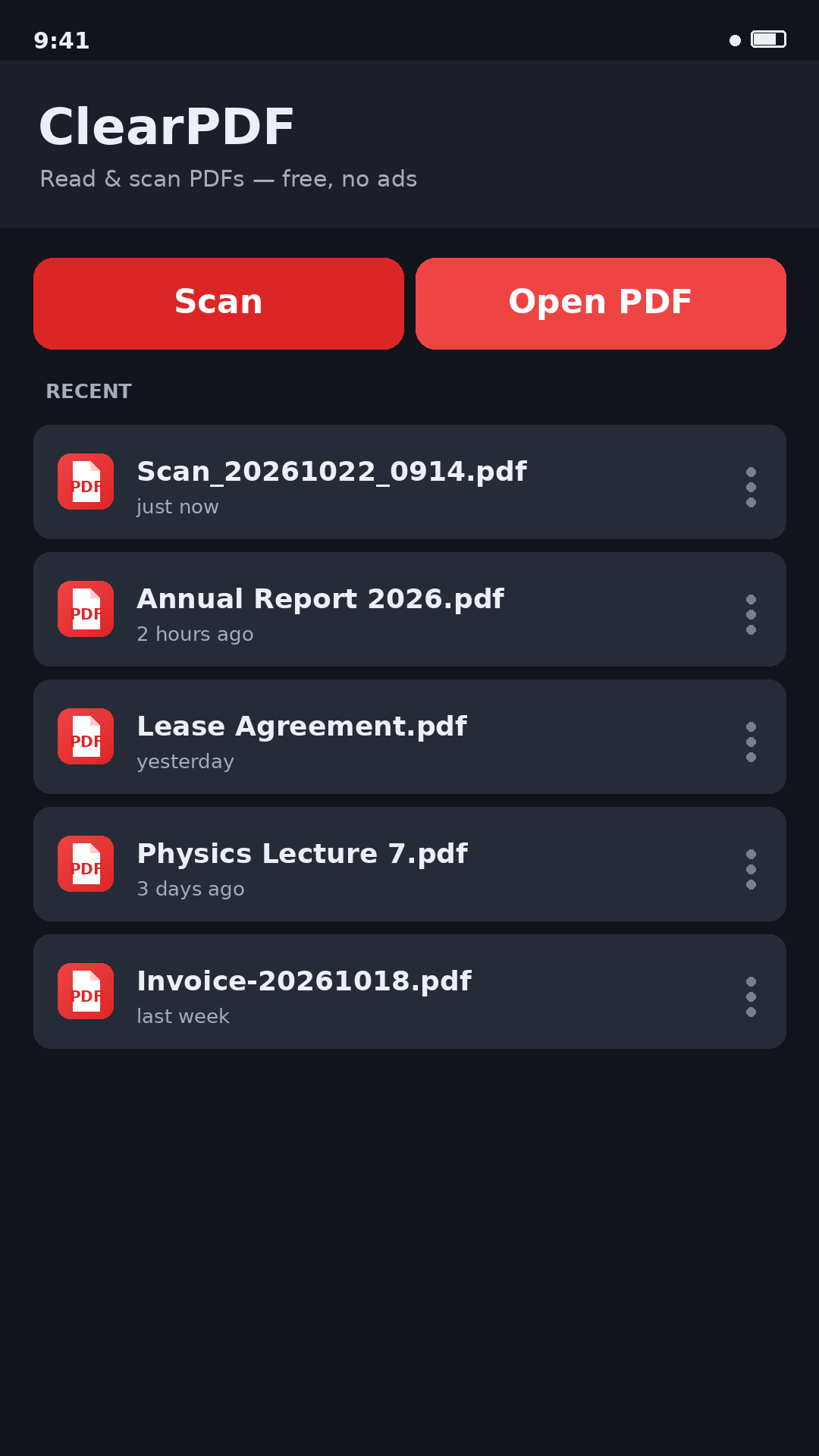
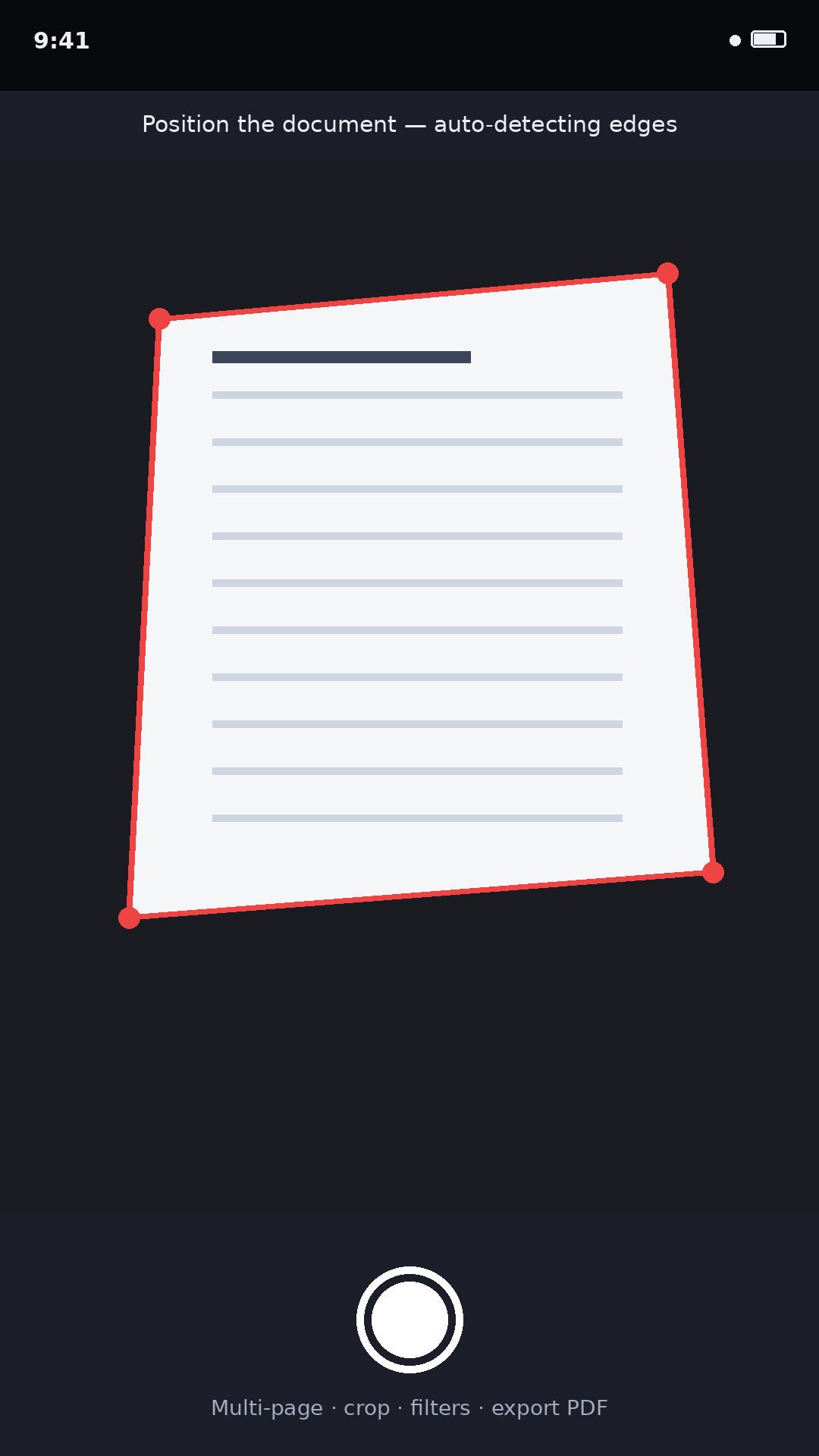
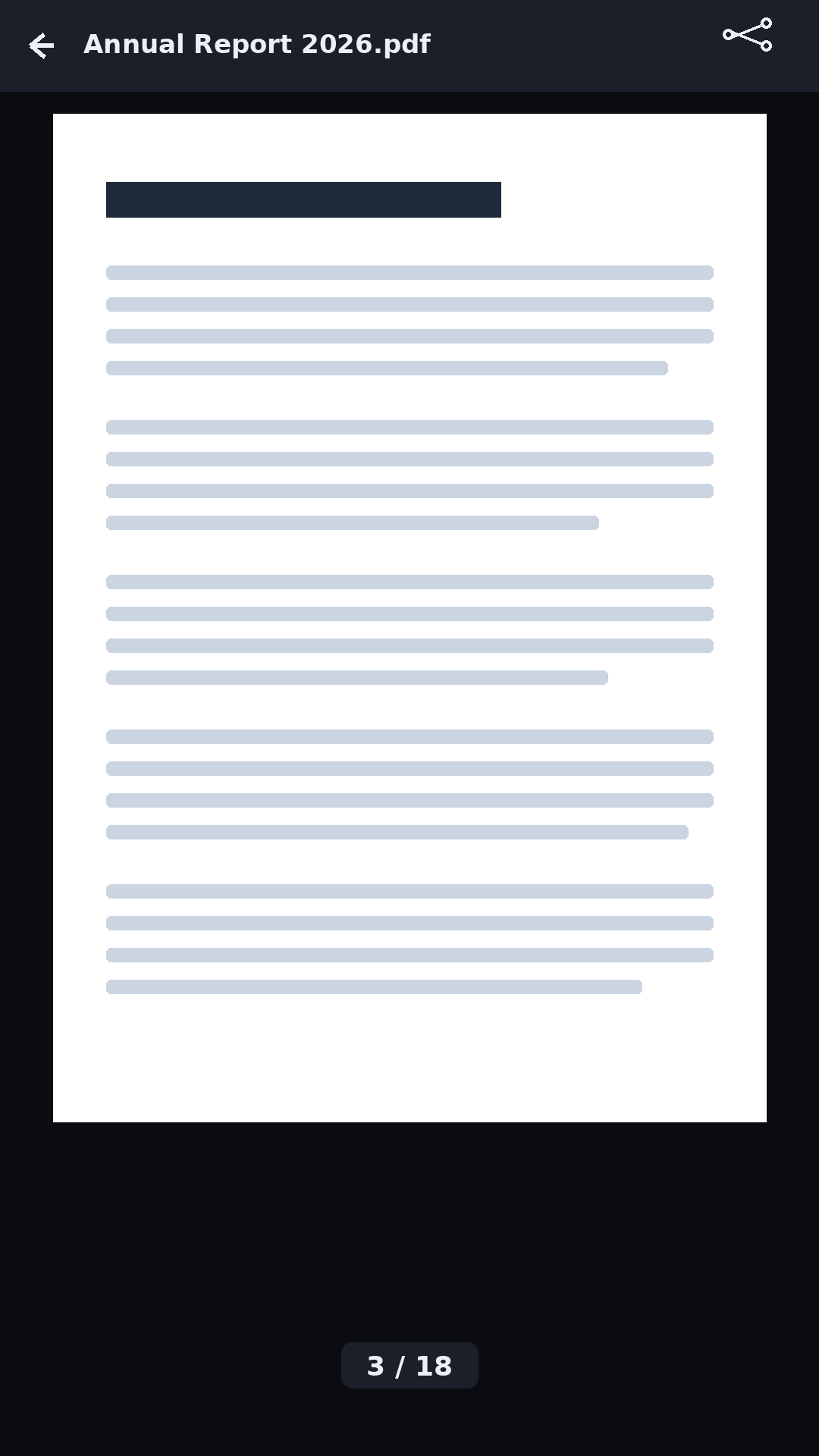
Scan or open · camera scan with edge detection · reading · pinch / double-tap zoom.
Features
Permissions & privacy
| Camera | Used only while you are scanning a document. Scanning is processed on your device; nothing is uploaded. |
| Storage / files | Only the PDF you pick is opened, via Android's file picker — no broad storage permission is requested. |
| Internet | Used to send anonymous crash reports & usage analytics (Firebase) and to fetch the on-device scanner/OCR models on first use. Your documents are not uploaded. Saving to a cloud app (Drive/OneDrive/Dropbox) is done by that app via the system picker. |
| Crash & analytics | Firebase Crashlytics + Google Analytics collect crash logs, device/app info and basic usage — never your document contents. See the privacy policy. |
PdfRenderer), scans and OCRs on-device, and uses Firebase only for crash reporting & analytics — no ads, and your document contents never leave your phone.For Google Play deployment
What's new — v0.4 (paste into Play Console “What's new”, ≤500 chars):
• Added crash reporting & analytics (Firebase Crashlytics) so we can find and fix issues faster.
• OCR — extract text from scans & PDFs on-device; copy, share or save as .txt.
• Document Scanner — camera scan with auto edge detection, crop, filters, multi-page → PDF.
• Save or share any PDF, scan or text to Google Drive, OneDrive, Dropbox or your device.
• Stability & fixes.
Assets provided:
- App icon — 512×512 PNG
- Feature graphic — 1024×500 PNG
- Phone screenshots (1080×1920): home · scan · viewer · zoom
- Signed release AAB (upload this to Play Console)
- Privacy policy URL (public): pdfreader.puliyal.com/privacy.html
Listing copy
Title: ClearPDF — PDF Reader, Scanner & OCR
Short description: Read PDFs, scan documents & extract text (OCR). Save to Drive, OneDrive, Dropbox. Free, no ads.
Full description: ClearPDF is a clean, lightweight PDF reader, viewer, document scanner and text extractor. Open any PDF from your device or straight from another app, swipe through pages, and pinch or double-tap to zoom. Scan paper documents with your camera — automatic edge detection, crop, filters and multi-page — and export a clean PDF. Extract text from scans and PDFs with on-device OCR, then copy, share or save it as a text file. Save or share your PDFs, scans and text to Google Drive, OneDrive, Dropbox or local storage. Recently opened and scanned files are remembered so you can pick up where you left off. ClearPDF is completely free — no ads, no subscription, no account. Scanning and OCR run on your device.
Steps:
- Create a Play Console account ($25 one-time).
- Create app → Category: Productivity · Free.
- Upload
ClearPDF-0.4-release.aabto Internal testing, verify install. - Store listing: icon (512), feature graphic (1024×500), the 3 screenshots, and the copy above.
- Data safety: declare the data ClearPDF now collects via Firebase — Crash logs, Diagnostics, App activity/usage, and a device/app identifier; mark data not shared and not used for ads, encrypted in transit. Add the privacy URL above; complete the content rating.
- Promote to Production and roll out.
Firebase / Crashlytics: configured. The project's google-services.json
(project puliyal-pdfreader) is wired into the app with Crashlytics + Analytics. Crash reports appear in the
Firebase console under that project once the app runs in the field. Keep google-services.json with the project.
For updates, raise versionCode + versionName and rebuild with the ClearPDF keystore (keep it safe — it can't be changed once published).